
Bruce T. - Author
My MacBook Air is locked.
Can you help me reset the admin pw?
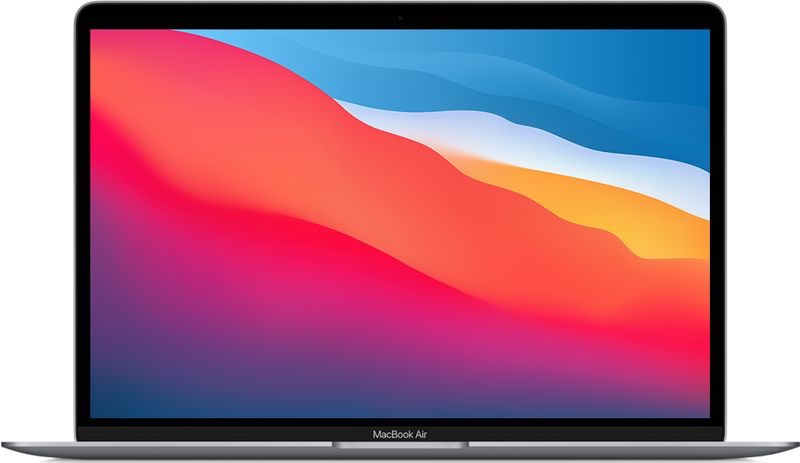
Device: MacBook Air (M1, 2020)
Operating System: macOS Sequoia 15.5
Mac > MacBook Air > Security
Bruce T. - Author
Can you help me reset the admin pw?
Device: MacBook Air (M1, 2020)
Operating System: macOS Sequoia 15.5

Todd D. - Contributor
Yes we can help you locally here in Southern Oregon, or walk you through the process below online over the phone or FaceTime. 1. The first thing we need to determine is, was or is the Mac logged into your Apple ID and is Find my... turned on for it? If you answer is that this Mac is or was signed into your Apple ID then we should be able to reset the password one of two ways. If your answer is that the Mac was purchased used from another and it is activation locked to that person's Apple ID, you will need to contact them first to ask them to remove it from their Find my.app 2. Once the Mac has been removed from aother's Apple ID or if it is not associated with an Apple ID or if it is associated with your Apple ID, then you can proceed. You will need to shut down your Mac. Wait 10 seconds and then on this MacBook Air M1, you can push and hold down the power button until you get the Options icon. 3. Go in to Options and then to the Utility menu and select Terminal. Once that launches, type passwordreset and hit return. That will launch that app for you. you can follow the prompts to reset the admin pw for that user. If you are unable to accomplish it. Please schedule an appointment or give us a call at 541-255-2310
Sign in or create an account to reply, tap Helpful or say Me too.