Are you still there?
If we don’t see any activity in the next 01:00 seconds, we’ll save the progress you have made so far. You will be logged out. When you log back in, your progress will be restored.

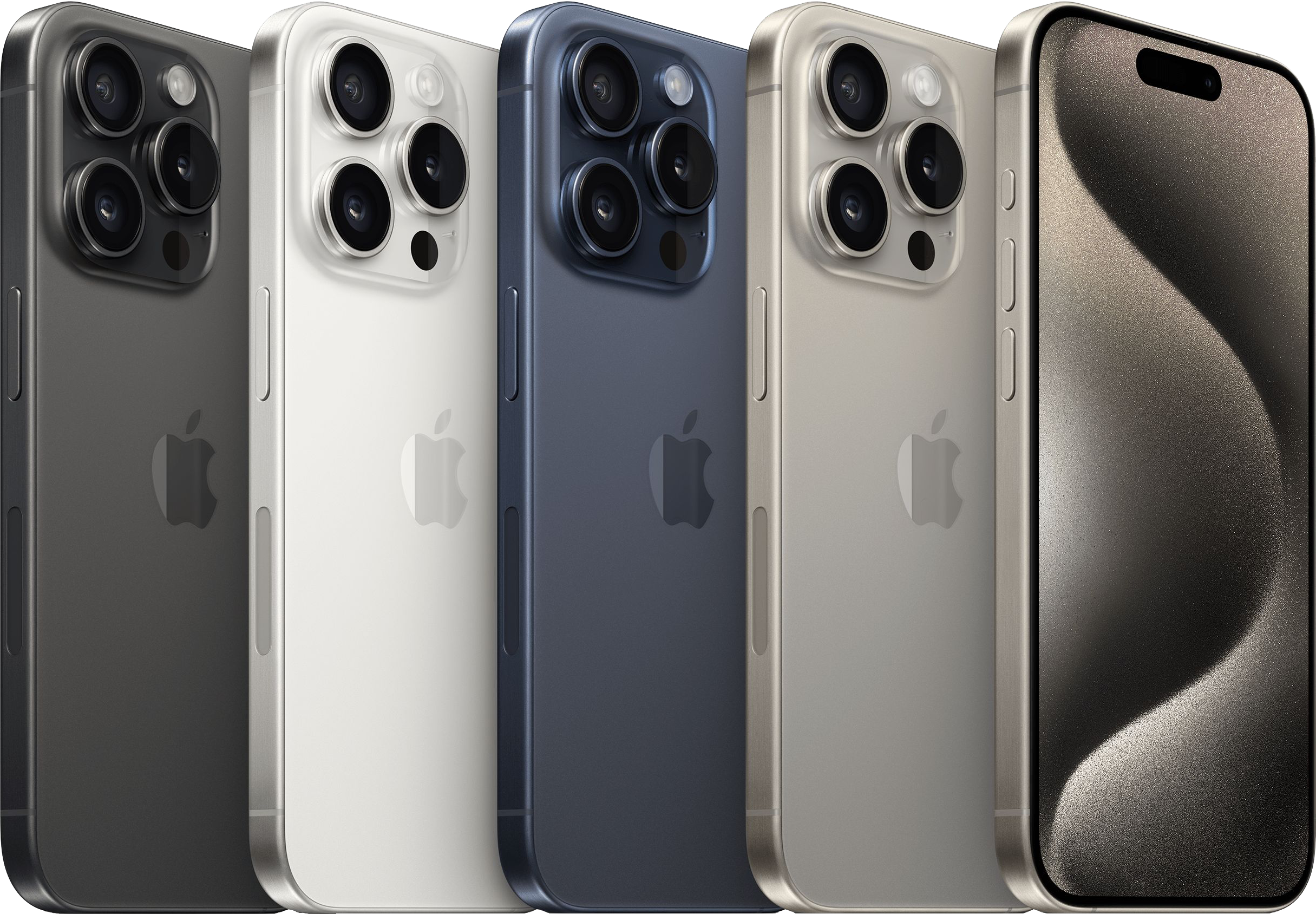
Expert Apple help from home, anywhere in the United States.MaciPhoneiPadAll 50 statesfor macOS, iOS, iPadOS, tvOS, Windows and Android Operating systems
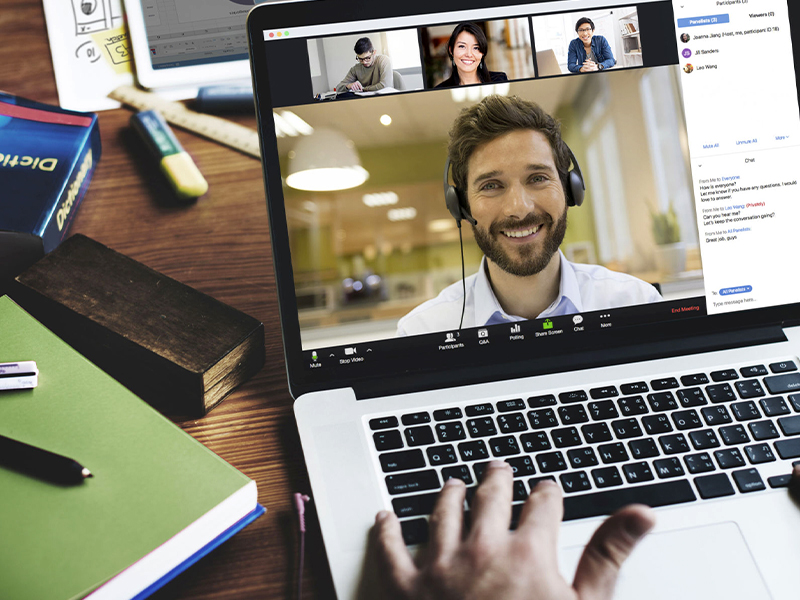
We provide a Safe & Secure Remote Support Screensharing session.
Having a problem with your Mac, iPhone or iPad? We’ll remote in, and spend up to one hour to help you resolve your problem anywhere in the U.S. right away so you don’t have any more down time or frustration.
Why wait in line at the Apple Store when you can get help now remotely?
We’re highly trained, trusted, and proven. Since 1993, Todd has personally helped more than 5,400 customers across the U.S. with their Apple products and technology needs—and our ratings and reviews speak for themselves.
SmartHelp is the Apple expert you’ll wish you had found sooner.

I rate Todd's services as 5 stars because he's really patient. We joined his monthly service and have enjoyed working with him remotely.
If you are local in Southern Oregon, we invite you to start a support request and schedule an appointment to come in.
We’ll take a hands-on, in-person approach and answer every one of your questions, come up with a plan to get your devices set up right and train you so that you’re back up and running fast!
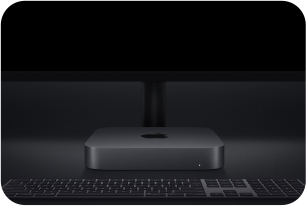
You can also see and feel demo models of new, refurbished and CPO Macs, iPhones, Apple TV, HomePods, Apple Watches and more.
He is incredibly knowledgeable, patient, and always takes the time to explain things in a way that makes sense.

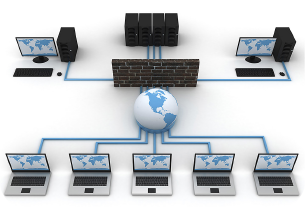
If your enviroment needs special attention, like networking, or a slew of devices that work together, we also provide technical support at your location. This helps us get a clearer understanding of your technical environment and keeps your day running efficiently.
Requires monthly maintenance agreement ranging from $99 to $1499 per month (see below).
Travel charges may apply when outside of 30 miles from our location.
He walked me through every step and explained it so I understood. I was impressed how much we covered and all I learned. In the end, my major issue was a cord!!
Monthly Backup, Review & Support Subscription


We are able to help you remotely and review your devices. We’ll check to make sure you’re backing up and syncing, that your OS is up to date, we’ll check to see if you’re running out of space on your devices or on the cloud. We’ll look for and remove unauthorized devices from your accounts.
Each month, you will write down questions you have about your Mac, iPhone, iPad, Apple TV or Apple Watch. We will connect on our scheduled monthly appointment date. We’ll answer every one of your questions. If there are things we notice, we’ll show you some tips, how to organize and some best practices.

Here is a wonderful monthly subscription tech support service to help ensure you’re backing up and avoid data loss on your Mac, iPhone or iPad all connected to your Apple Account (formerly Apple ID). At that time we'll do a monthly system review. We will schedule a call once a month with you over the phone or Internet.

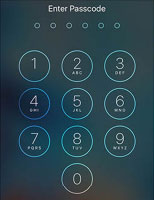
If you are locked out of your iPhone or iPad and you have forgotten the passcode, we can help you reset (erase) your device remotely.
If you have a computer to connect your iPhone or iPad to we can also restore (erase) a new OS remotely.
Your Apple Account (formerly Apple ID) email address that was set up previously on the device, and Apple ID Password are required along with a two-factor code that will be sent to your other Apple devices or trusted phone number.

His whole life was in that phone and Todd made it seem effortless. He also helped us set up easy to remember secure passwords.
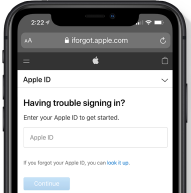
If you have lost access to your accounts or have changed your phone number and have no way to get verified, we can help you recover any of your accounts (Apple, Google, Microsoft and others). We will make our best effort in helping you with this process and to get you verified.
Once you account is recovered, it will be important that you update the verification methods, phone number, address, credit card, using a trusted device and establish a new password.
Not only did he fix my old laptop but helped me to upgrade to a new one. One of the best services has been establishing a password management which is EASY and I trust.

Do you have a pluthera of passwords which are hard to manage. Some may be leaked or compromised through sites that don’t offer good security. Your passwords may not be properly syncing through icloud. We offer a fresh start and and easy way to manage your passwords.
We can get you set up with our password management system which resecure your identity online. This is the foundation to which you can move forward to securing your devices.

My passwords were a mess. Todd gave me a 3-password management system that got me organized and re-secured my accounts. What a relief!
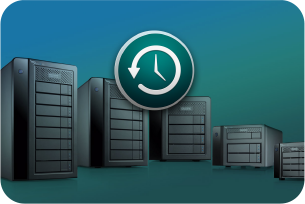
It’s so important to know if you are backing up using Time Machine to an external hard drive before doing any major macOS updates.
If you don’t have an external hard drive, we’re happy to supply one to you. Ask us about adding a WD My Passport USB-C 2TB External Hard Drive and Time Machine Backup, and when you receive it, we’ll help you get it all setup and accomplish your first backup.
We connect remotely each month and he makes sure I'm backing up, not running out of space and staying up to date on all of my devices.

We can help you backup or restore your iPhone or iPad to iCloud or locally to a computer. It’s very important to make sure you are backed up before updating to the newest iOS/iPadOS software.
There is a difference between “syncing” and “backing up” your data and it’s important to understand the difference. We can help you back up your iPhone or iPad so that it occurs wirelessly and automatically. Don’t put yourself in a position to lose data.

Todd completely cleaned it all up, and now it is running like new! He also set me up with a simple and very easy system to back everything up.

Doing a thorough setup of your device (Mac, iPhone or iPad) will hugely benefit you as you use it moving forward. From making sure you’re running the latest OS to setting up your email accounts properly and securely, to setting up Apple Wallet and Autofill cards, installing third-party apps and making sure they all sync with the cloud, setting up Face or Touch ID so your device can only be used by you are all very important. We can do all this remotely.
Within 48 hours he had both devices updated, cleaned up, and running like new! It's like I bought a brand new MacBook and iPad.

Do you have more than 10,000 emails in your inbox? We can help you (breathe a sigh of relief) get it cleared out. During the process we’ll help mark emails as junk or spam, we’ll unsubscribe you from unwanted email lists so your not bombarded with future unwanted emails. We can also help you create a good generic structure for saving future emails so that your saved email is organized. This can be done locally or remotely.
Once your email inbox is down to a manageable size. We’ll save space on your server, your computer and save you time.

I have over 5000+ emails in my inbox and just can't seem to get ahead. Todd was able to remote in to my iMac and show my husband and I how to best deal with them.

Do you have tons of picture files and folders of photos as well as multiple iPhoto or Photo Libraries on your computer? We can help you consolidate your photos (as a special project) into one Photos Library, get rid of duplicates and help you understand how best organize your photos moving forward. This can be done locally or remotely over the Internet.
Photo management can be difficult to keep up with since we all take so many pictures and videos. As maintenance once a month, we’ll spend up to 30-minutes helping you go through your photos to keep them organized which will free up space and your time.
Todd is very organized and helped me so much when setting up my computer. He trained me on how to manage the Finder, my email and my photos.

How are you doing keeping your Quicken data up-to-date? Would you like some help importing your data from your bank, categorizing, reconciling and running a category summary report? Do you have all of your asset and liability accounts added for a total net-worth value? Is tax time daunting?
We can help you month-to-month keep your Quicken data up to date remotely wherever you are located in the U.S.

I have been spinning my wheels trying to get reports to my CPA using Quicken because my categories are not well defined. Todd rescued me
Using Quickbooks for business finances, we can help resolve many problems that may be driving you crazy!

I hate talking to overseas support and I was just in a mess with Quickbooks Desktop. I called Todd Derek @ SmartHelp and he was able to remote into my Mac.

Are you using a File Maker Pro database? Looking for a developer that can provide support to fix bugs or improve functionality and streamline operations? Do you have your database hosted online so that it’s accessible from anywhere on the Internet? We can make that happen for you.
We establish our relationship with a non-disclosure agreement, so all of your data is private and protected.

We have been relying on Todd for 25+ years. Call him day or night and you get a real person who is anxious to help.
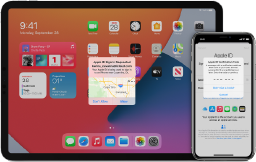
Two-factor authentication is an extra layer of security for your Apple ID designed to ensure that you're the only person who can access your account, even if someone knows your password. We can help you protect your accounts.

If you have lost access to your accounts or have changed your phone number and have no way to get verified, we can help you recover any of your accounts (Apple, Google, Microsoft and others).

Lost photos, contacts or other data? We're expert investigators. We’ll help you determine your last backup and sync point. If none, don’t worry, we also offer data recovery services.

This means that your Mac cannot find an eligible start up disk. Even if your system is not able to start up, we can often backup your data. Then we’ll erase and install a clean new macOS.
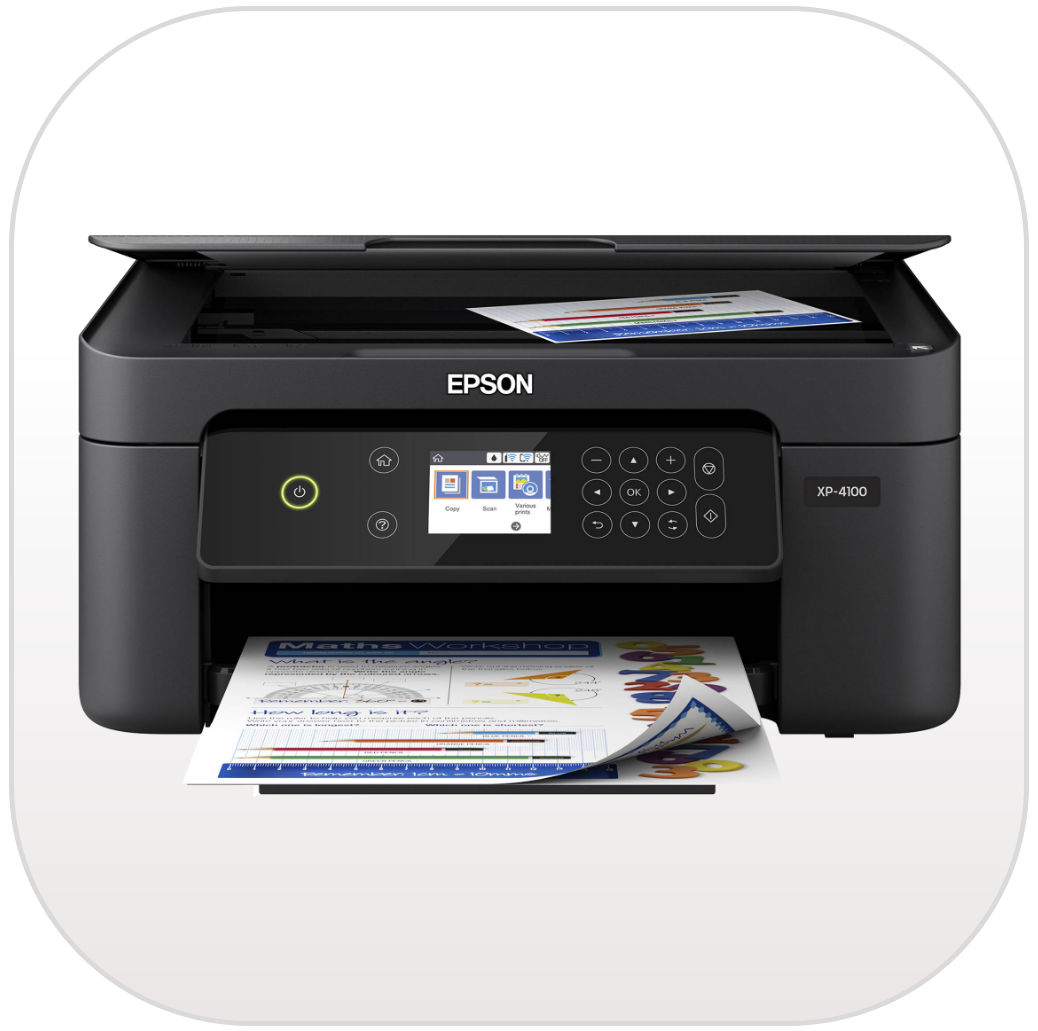
Let’s get your printer/scanner/fax set up on your wireless network so that you can access it from any of your devices. We’ll make sure your devices have the right driver to print, scan or fax.

We will analyze how much speed you’re paying for vs. what your getting. We’ll help you optimize your current connection and take a look at other Internet providers so you can maximum your speed. We’ll troubleshoot and resolve.

Are you behind in updates or stuck in the middle of an OS update? We can help you get that resolved and set it up the right way. Schedule an appointment today to send or bring in your device.

Are you constantly getting a spinning beach ball icon on your mouse? This most often means that your hard drive is dying.We’ll run diagnostics to find hardware problems. We can replace it with a new SSD drive so it has new life.
If you don’t have your device backing up on a regular daily basis, then now’s the time to get that working before you lose any data. We can help you backup all your data to the cloud or to a physical device like an external hard drive.
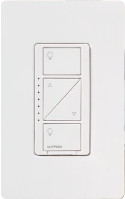
Are you looking to start automating your home processes and save energy costs? We can help you start replacing the thermostats, light switches, bulbs, shades and more.
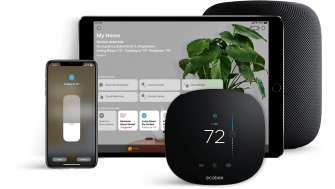
Have any of your smart home devices stopped responding due to network changes or power interruptions. We can help you get them back online and answer any questions you have.
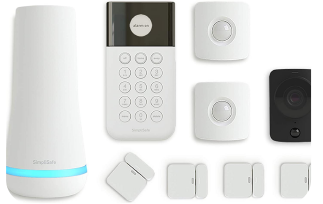
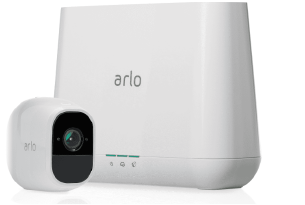
If you don’t know how to setup smart cameras, get them all working together so that you can see what’s going on at your house, we can help you do that.
Relief and empowerment. Because we take care of our customers!